If you care about reliability, privacy, and multi-room sync, smart speaker offline capabilities are no longer a nice-to-have, they're the baseline. This FAQ deep dive walks through how voice assistant local processing actually works, what you can (and can't) expect offline, and how to test your own setup with repeatable benchmarks.
Measure, don't guess: sync matters more than flashy features.
Why should I care about offline and local processing at all?
For most homes in my testing, three things drive the need for local processing voice assistants:
- Resilience: Your internet will drop or slow down. The question is whether your alarms, timers, doorbell announcements, and lights keep working when it does.
- Privacy: On-device smart speaker AI reduces how often raw audio leaves your house.
- Latency: Local processing cuts round-trips to the cloud. Commands feel snappier and more predictable.
If you've ever had a timer fail during a dinner party or heard echoes between rooms as different speakers re-buffer through the cloud, you've already felt the cost of cloud dependence. For spotty or low-bandwidth connections, see our rural offline smart speaker guide. My own breaking point was a birthday toast where three brands of speakers drifted milliseconds out of sync mid-sentence; fixing that started with getting more of the work done locally.
What do "offline" and "local processing" actually mean?
These two terms overlap but aren't identical.
- Offline: The speaker keeps working (for some tasks) when there is no internet at all.
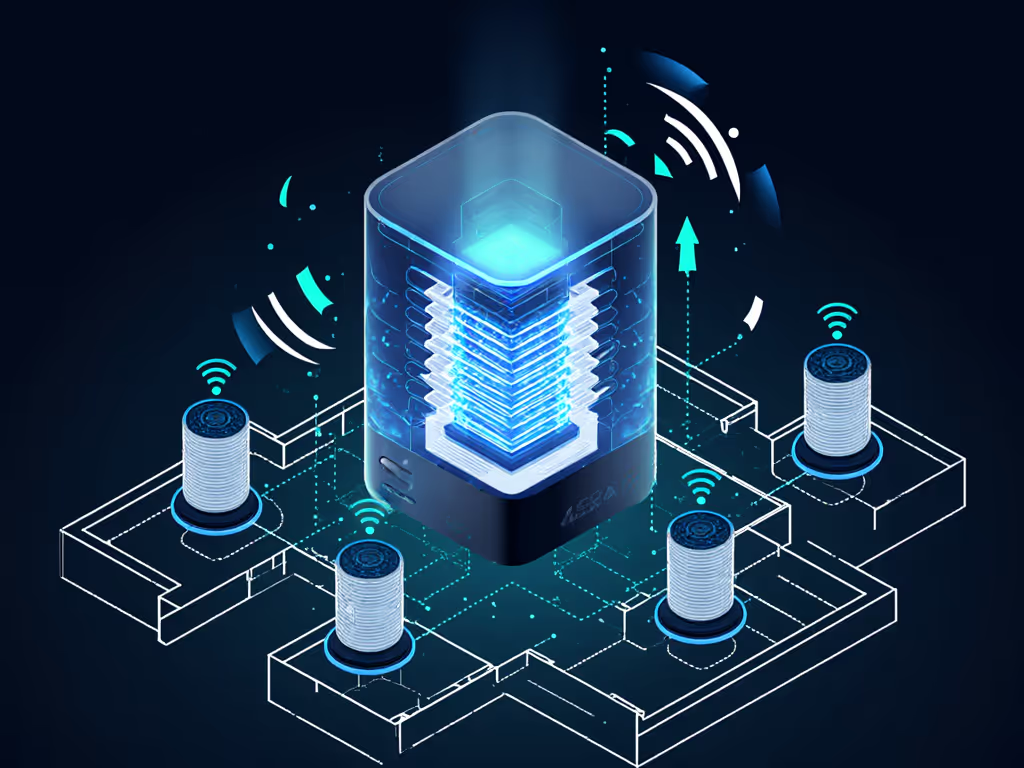
- Local processing: The wake word, speech recognition, and/or automation logic are handled on the device or local network, not in a remote data center.
You can have:
- Local processing with an internet connection (for cloud-only tasks like streaming).
- Partial offline modes where only a subset of commands work.
For testing, I separate three layers:
- Wake word detection: Does "Hey X" still work offline?
- Speech-to-text & intent recognition: Can it understand commands without the cloud?
- Execution path: Even if the command is understood locally, does the action depend on an outside service (e.g., Spotify, online calendar)?
What should a modern smart speaker be able to do offline?
In 2026, a competent standalone smart speaker should handle at least these offline voice command performance tasks:
- Timers and alarms
- Stop / snooze alarms and timers
- Volume up/down, mute/unmute
- Play/pause/skip for locally stored or pre-cached audio (e.g., white noise, chimes)
- Basic device control for locally reachable smart home gear (e.g., lights on the same hub/protocol)
- Local scenes/automations that don't require cloud APIs
From my lab notes, a reasonable benchmark for these offline actions:
- Target response time:
- Excellent: ≤ 500 ms from end of command to action starting
- Acceptable: ≤ 1,000 ms
- Poor: > 1,500 ms or noticeable "thinking..." delay
- Success rate over 20 trials:
- Excellent: 19-20/20
- Borderline: 17-18/20
- Replace-or-repurpose territory: ≤ 16/20
If a speaker can't reliably set a timer offline or takes more than a second to respond, I don't deploy it in critical rooms like kitchens or bedrooms.
What will almost never work fully offline?
Even with strong on-device smart speaker AI, some tasks inherently need the internet:
- Web search and Q&A (weather, sports scores, arbitrary facts)
- Streaming music and podcasts from cloud services
- Online calendar and email access
- Remote access when you're away from home
The best you can do here is graceful degradation:
- Pre-cache playlists or white noise locally.
- Mirror calendars to a local schedule (e.g., static wake-up alarms and routines that don't depend on live calendar parsing).
How do the major ecosystems handle local processing today?
This is a high-level, behavior-based comparison. Firmware evolves, but the patterns are stable.
Apple / Siri (HomePod, iOS devices)
- Strengths:
- Robust on-device speech recognition on recent iPhones and newer HomePods.
- Good offline coverage for timers, alarms, basic playback and HomeKit automations that are configured for local execution.
- Strong local control when you keep devices in HomeKit-only mode.
- Watch-outs:
- Some advanced shortcuts and third-party actions still require cloud lookups.
- Multi-room audio sync is excellent on a healthy network but can stall if your router is marginal.
Google Assistant / Google Home / Nest Audio
- Strengths:
- Mature local language models for wake word and basic commands.
- Solid offline timers/alarms and limited local media control.
- Certain smart home actions can run via on-LAN protocols or local hubs.
- Watch-outs:
- Complex queries, routines referencing cloud services, and many third-party devices still depend on the internet.
- Feature availability can vary by region and language.
Amazon Alexa / Echo
- Strengths:
- On some devices, a "local control" mode for lights, switches, and basic actions via supported protocols.
- Offline alarms/timers and volume control are generally reliable.
- Watch-outs:
- Many "skills" (third-party integrations) are cloud-first and fail hard offline.
- Complex routines often hinge on external APIs.
Local-first assistants (Home Assistant, open-source stacks)
- Strengths:
- Designed for on-device or on-server processing from day one.
- Tight integration with Matter, Zigbee, Z-Wave, and local IP devices.
- Clear mapping between automations and where they execute.
- Watch-outs:
- Setup is more involved, and wake-word/ASR quality varies by model and language.
- Mic arrays and acoustic performance depend heavily on the host hardware.
My bias is clear: I favor devices that implement open standards cleanly and expose reliable local control. Buy once, integrate everywhere, then worry about the rest.
How can I test my smart speaker's offline capabilities in a reproducible way?
Here's a simple, repeatable local processing test plan you can run in under an hour per room.
Step 1: Map your "must-survive-offline" tasks
By room, list actions that must keep working during an outage:
- Kitchen: timers, recipe step reminders, "turn on island lights."
- Bedroom: alarms, "do not disturb," bedside lamp control.
- Home office: focus timer, "do not disturb," desk lamp.
- Nursery: white noise, dim lights, "reduce volume" commands.
These become your test script.
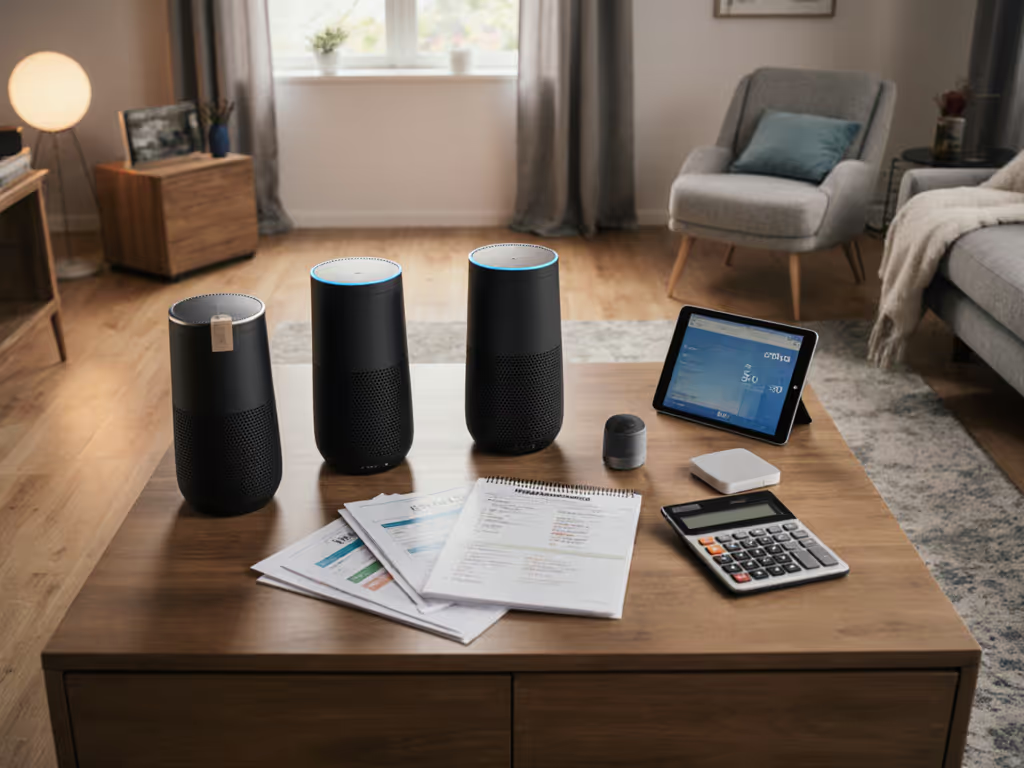
Step 2: Create a basic test sheet
For each speaker/room, make a small grid:
| Test | Command | Expected behavior | Pass/Fail | Response time (ms) |
|---|
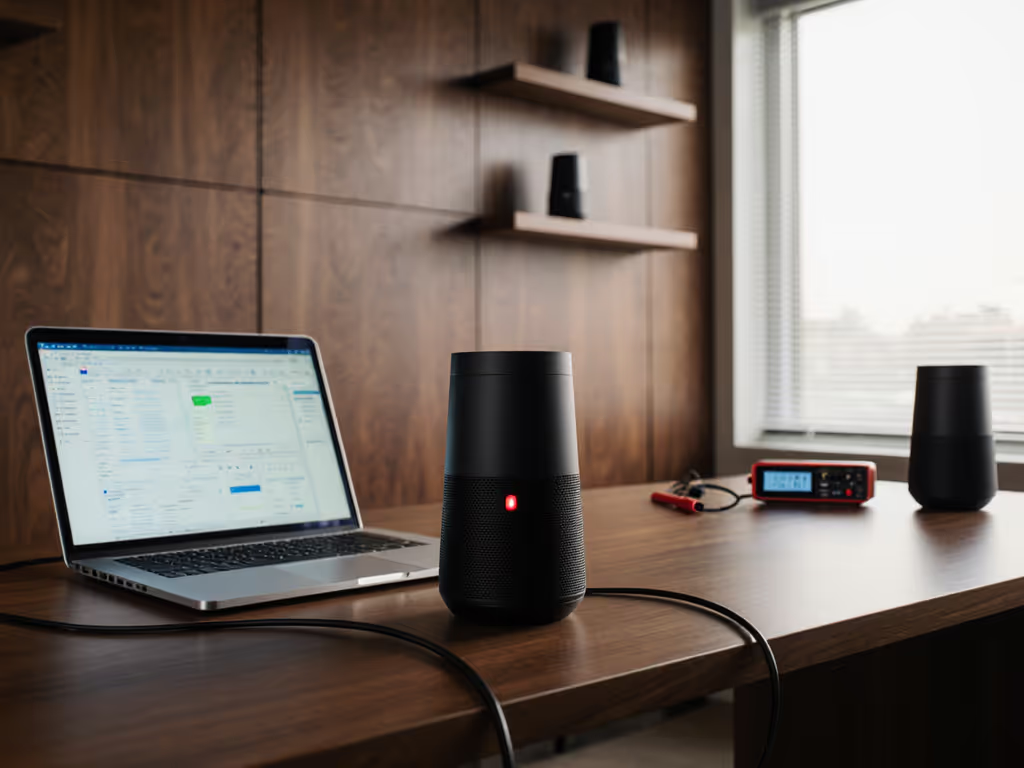
You can time responses with a phone stopwatch or a latency app; millisecond precision is nice, but consistency is more important.
Step 3: Run online baseline tests
- Keep the internet connected.
- Run each command 5 times.
- Note:
- Average response time.
- Any mis-heard commands.
- Whether multi-room audio stays in sync across speakers.
This gives you a best-case baseline. For mic performance across accents and noise, see our voice recognition accuracy tests.
Step 4: Repeat with the internet disconnected
- Disconnect WAN from your router (do not power off Wi-Fi; we're testing internet loss, not LAN failure).
- Re-run the same commands 5 times each.
- Note:
- Which commands still work.
- Any change in response time.
- How gracefully failures are reported (clear "I'm offline" vs hanging).
Measure, don't guess: sync matters more than flashy features.
If you have multiple brands, pay attention to failure modes:
- Do some speakers fail silently while others announce they're offline?
- Does multi-room playback drift, stop, or collapse to one speaker when the cloud disappears?
Step 5: Score each speaker
For each device, assign:
- Reliability score (0-10): proportion of offline tests that passed.
- Latency score (0-10): based on your measured response times.
- Clarity score (0-10): how clearly it explains what's not possible offline.
Anything under 7/10 on reliability for core tasks is a candidate for:
- Relegation to non-critical rooms, or
- Replacement with something more local-first.
What benchmarks should I aim for in a mixed-brand home?
In multi-room homes with mixed ecosystems, I use these pass/fail thresholds: If you're juggling Alexa, Google, and Siri together, read our mixed voice assistant setup guide for conflict-free strategies.
- Core safety/utility tasks (timers, alarms, "stop" commands):
- Must function offline in 100% of test runs in rooms where they matter.
- Critical lighting scenes (bedside, stairs, bathrooms):
- At least one "local path" (wall switch, local hub, or local voice route) that works without internet.
- Multi-room audio sync:
- Cloud-based streaming may pause offline, but speakers should:
- Stop together, or
- Fall back to a local source without drifting out of sync.
If your speakers can't meet these thresholds, treat them as "nice accessories," not part of the core home infrastructure.
How does offline capability affect multi-room sync?
Multi-room sync is where subtle timing differences become obvious. Even a 20-30 ms drift between rooms can be perceptible; once you cross 50 ms, most people hear it as an echo.
When the cloud link is weak or missing, speakers cope in different ways:
- Some buffer more aggressively, adding delay but preserving sync.
- Some drop out or de-group, leaving one room playing.
- Some keep playing locally cached content but slowly slip out of sync.
The only way to know is to test:
- Start the same track on a multi-room group.
- Walk between rooms and listen specifically for slap-back echoes.
- Repeat with the internet disconnected.
If your speakers fall apart under test, consider routing serious audio (movie nights, big dinners) through a wired or controller-based system and using voice assistants only as control surfaces, not the sync master.
Are there privacy benefits to on-device smart speaker AI?
Yes, but only if implemented cleanly and configured intentionally.
Local processing helps privacy when: For step-by-step controls across brands, see our smart speaker privacy settings comparison.
- Wake word detection happens entirely on-device.
- Only short, anonymized snippets are sent for cloud tasks.
- You can disable cloud logging and training in settings.
- The vendor commits to long-term update policies so vulnerabilities get patched.
As a rule of thumb:
- Use local-only automations for anything you'd be uncomfortable having analyzed in the cloud.
- Prefer vendors that document exactly what is processed locally vs remotely.
How should offline features shape my buying decisions?
When evaluating standalone smart speaker features, I treat offline and local capability as core specs, right alongside sound quality and price.
My short checklist:
- Documented offline command set: Is there a clear list of what works without internet?
- Local smart home control: Does it support Matter, Thread, Zigbee, or direct LAN APIs?
- Transparent update policy: Are software support timelines published?
- Hardware controls: Physical mic mute, with visible indicators.
- Local-only modes: Can you opt out of remote analytics without breaking the basics?
My rule is simple: Buy once, integrate everywhere, then worry about nice-to-have extras like novelty features or voice "personalities".
Room-by-room: what offline behavior should I demand?
Kitchen
- Non-negotiable: Timers, "stop," and basic light control offline.
- Nice-to-have: Local recipe steps or saved shopping lists that still show on a display even when offline.
Bedroom
- Non-negotiable: Alarms and "stop alarm" offline.
- Privacy: Strong preference for local-only processing for late-night commands; physical mic mute switch should be within arm's reach.
Home office
- Non-negotiable: Focus timer and "do not disturb" mode that work even if your ISP flakes.
- Nice-to-have: Local playback of white noise or a short offline playlist to mask background noise during calls.
Nursery / kids' room
- Non-negotiable: White noise and lullabies playable from local storage or pre-cached.
- Safety: Voice purchasing disabled; offline play should not depend on a subscription check.
Rental / guest suite
- Non-negotiable: Basic controls (lights, fan, volume) available via buttons and offline voice, so guests aren't locked out when Wi-Fi misbehaves.
What's next for smart speaker offline capabilities?
The trajectory is clear:
- Better on-device models: More capable on-device smart speaker AI that can handle natural language for local tasks.
- Richer local automations: Matter and similar standards pushing more logic into the home, away from brittle cloud links.
- Hybrid assistants: Systems that handle routine, privacy-sensitive tasks locally and escalate to the cloud only when needed.
For you, the practical takeaway is simple:
- Start treating offline behavior and voice assistant local processing as first-class specs.
- Run the tests above on what you already own.
- Keep a simple log of which rooms and devices pass or fail.
From there, you can upgrade strategically: replace the weakest links first, prioritize standards and local control, and grow toward a home that stays in step even when the internet doesn't.