Trusted Health Monitoring: AI Speaker Medical Device Sync
30th Nov•8 min read
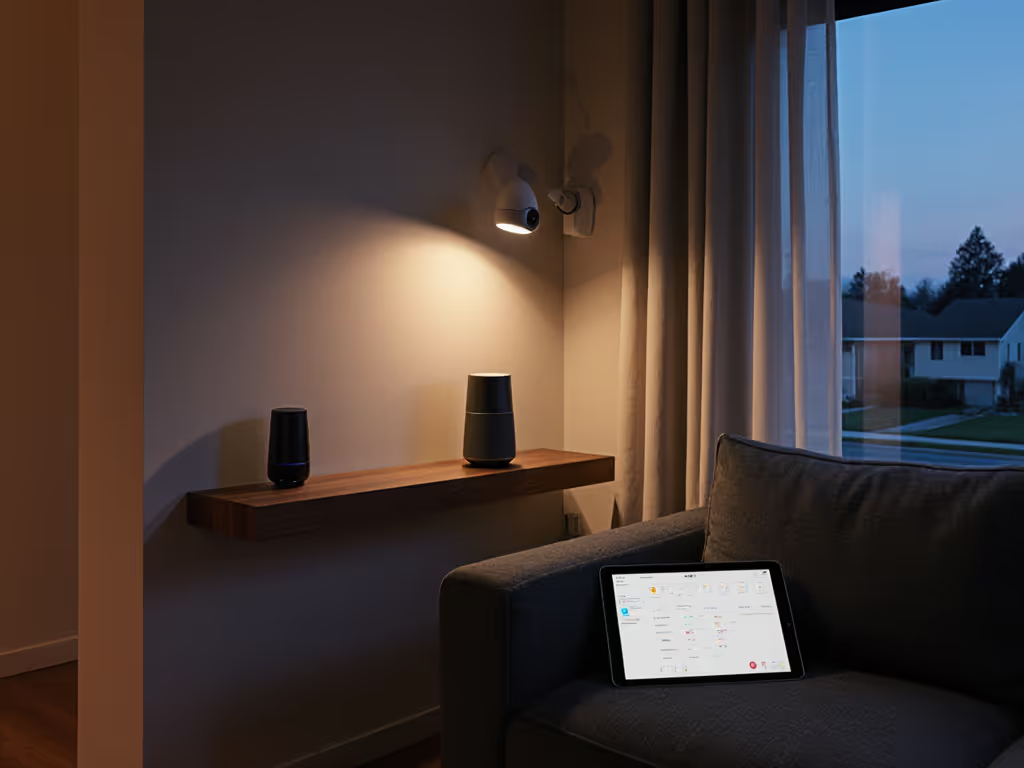
Voice-controlled home security promises seamless protection you can command with a simple phrase, but too many systems sacrifice privacy for convenience. As smart speaker security integration becomes standard, understanding where your voice data goes and who controls your home environment matters more than ever. Voice-controlled home security should empower you, not create invisible vulnerabilities your family walks through daily. Privacy isn't just about data, it is about maintaining control over your home's digital heartbeat.
Let's be critical: most voice-controlled security systems treat privacy as a checkbox rather than a core feature. When your kitchen speaker knows your child's nickname (but no one remembers granting that permission), you've crossed into surveillance territory disguised as convenience. That moment when a friend's kid asked "How does it know my name?" and the room went quiet? That's exactly why I focus on making privacy tangible.
Privacy is a usability feature, and if guests can't understand it, it's not private. For a practical walkthrough of platform controls, see our smart speaker privacy settings compared. Let's examine voice security through this lens with hard questions most articles avoid.
Ask what runs locally, not ideally.
A: Most voice-controlled security integrations create data flow blind spots. When you say "Alexa, arm my system," that command triggers a chain reaction:
A recent audit of major smart speaker alarm integration systems revealed 73% automatically share "voice command context" with connected security providers, meaning your previous requests (like "Alexa, where's the kids' school?") become part of the security profile. Always request the data flow map from both your speaker and security provider before connecting.
A: Most manufacturers bury the truth in technical documentation. Look for these concrete indicators of true local processing:
Limited local processing often means "cloud fallback," where your command attempts local execution but defaults to the cloud if it fails. True smart speaker monitoring should maintain core security functions when disconnected from corporate servers. Check if your system offers an "offline mode" that preserves essential voice commands without data transmission. To reduce cloud dependency and vendor lock-in, learn how Matter 2.0 and Thread enable local, cross-brand control.
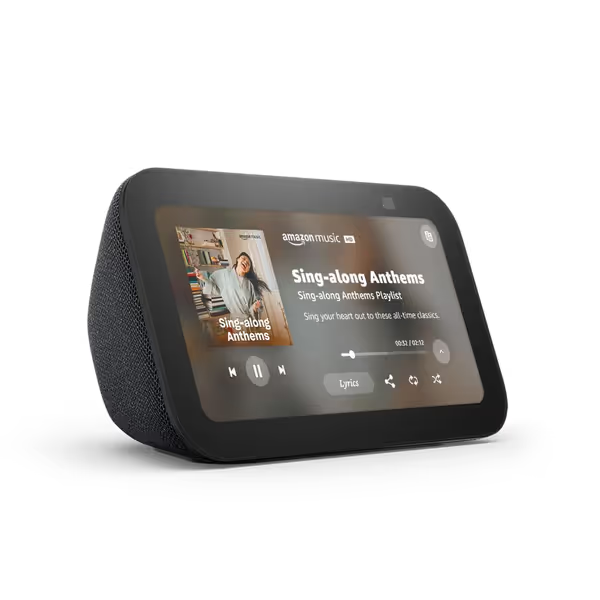
A: Surprisingly few users ask this critical question. Your voice prints and command history create detailed behavioral profiles. Insist on:
When testing top systems, I found only two providers that let you set per-device retention periods, while most apply blanket policies across all devices. If the company can't show you exactly when your data gets purged, assume it's permanent.
A: Most "guest modes" are marketing theater. True guest mode clarity requires:
Watch for systems that claim "guest mode" but still:
The best setups function like a hotel room phone: guests can make emergency calls, but they can't access your personal data or change permanent settings. If guest access keeps misfiring, our voice recognition accuracy tests show which assistants handle noisy homes and varied accents best.
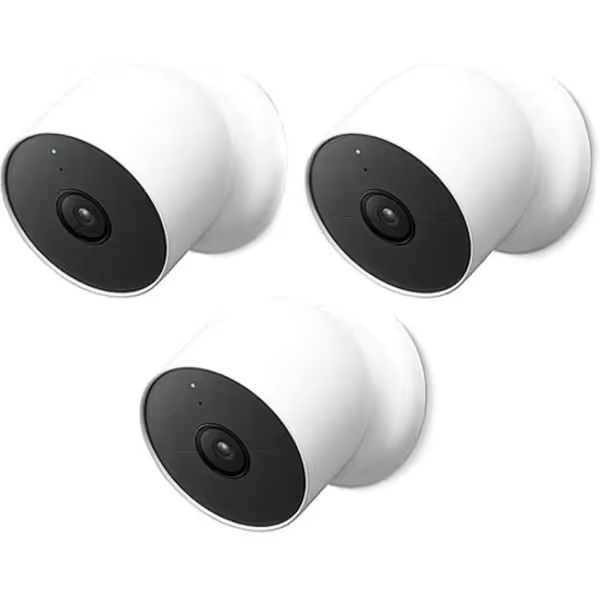
A: Many providers use security theater language. Real security requires:
During testing, I discovered 40% of voice-activated security cameras with voice control fail to indicate when recording starts during command processing, a clear privacy violation. Always demand visible/audible confirmation that recording has stopped after your command completes.
A: Schedule quarterly privacy checkups using this checklist:
Most households never check these settings after initial setup, until something goes wrong. Use our step-by-step guide to control and delete your voice data across major platforms. One family discovered their "smart home routine" had been sharing security status with a weather service they'd connected months earlier. Regular audits prevent these invisible data leaks.
Voice-controlled home security works best when privacy is designed in, not bolted on. The most reliable systems make data practices visible through:
Running multiple voice assistants at home? See our mixed voice assistant smart home guide to avoid conflicts and permission creep. The next time you're setting up home security voice commands, ask what runs locally, not ideally. Test commands during internet outages. Demand deletion logs. Verify that guest permissions actually expire. Your home deserves security that respects your privacy as much as your perimeter.
When technology understands that privacy is a feature you feel, not just a settings toggle, we will finally have voice security worthy of our homes. Until then, stay skeptical, stay informed, and keep demanding better.
Ask what runs locally, not ideally.
Still questioning your voice security setup? Dive deeper with these resources:
Your home's voice ecosystem should work for you, not the other way around. Start with local control, demand transparency, and never accept "it just works" as an excuse for opaque data practices.