
eSports Smart Speakers: Platform Comparison
2nd May•10 min read
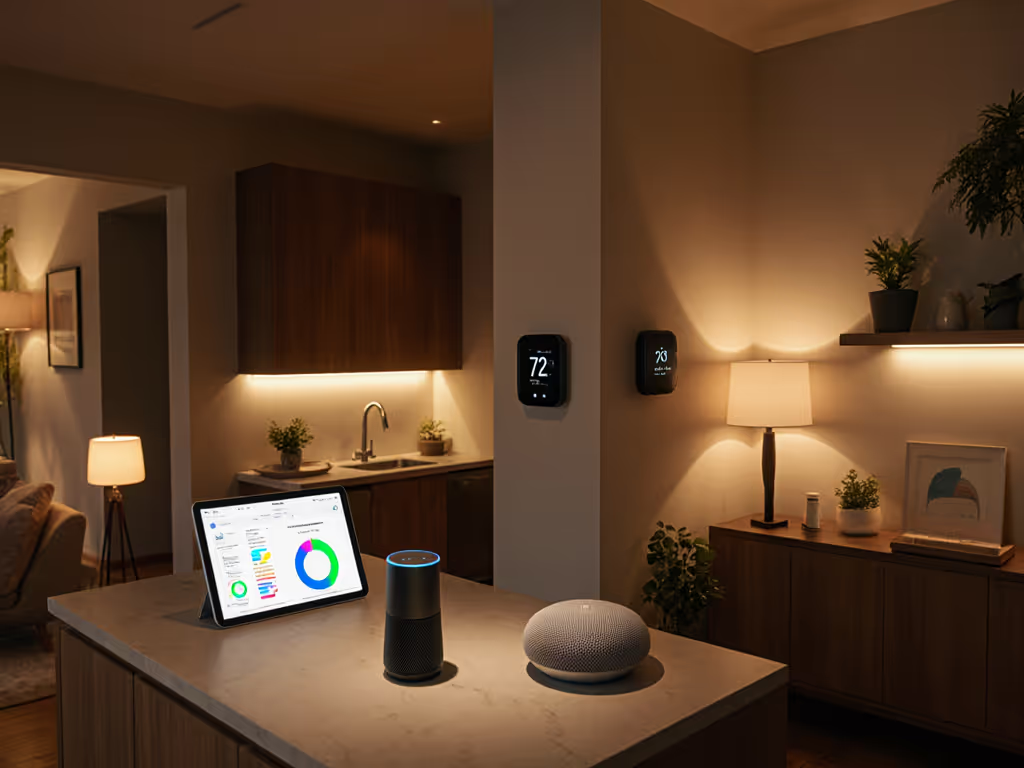
You've probably dreamed of telling your smart speaker to "save energy" and having your home respond intelligently. But smart speaker energy management rarely works that simply. That moment when you ask your voice-controlled thermostat to adjust the temperature and it either misunderstands or responds with "I don't know how to help with that" is why many people abandon voice control altogether. I know this frustration well; my partner once banned voice controls after a 6 am alarm misfire in the nursery. But with the right approach to setup and routines, voice assistants can become your most effective energy-saving tool, if they're properly integrated into your daily flow.
Most smart speaker manufacturers tout energy-saving features, but the reality is messy. You've likely experienced this: you buy a smart speaker expecting seamless control over your home's energy use, only to find yourself tangled in:
The problem isn't the technology (it is how we're implementing it). If recurring fees are complicating your setup, compare options in our smart speaker subscriptions breakdown. Most people approach setup backwards: they buy devices first, then try to shoehorn them into existing routines. This creates brittle automations that break after firmware updates (as 68% of users report in a recent HomeTech Insights survey), leaving energy-saving features unused while the speakers themselves consume unnecessary power.
When voice control fails to deliver simple energy management tasks, we pay twice:
Consider this common scenario: You have voice-controlled lamps in your living room, but when you say "turn off all lights," it only works for the lamps connected to one ecosystem. The result? You stop using voice commands entirely and manually flip switches, defeating the purpose of smart home technology. For households mixing Alexa, Google, and Siri, see our mixed voice assistant setup guide to make all-lights-off commands actually work. This inconsistency is why 42% of smart home owners disable voice control within six months (Smart Home Adoption Report, 2025).
The real tragedy isn't the wasted electricity (it is the lost opportunity). Smart home energy optimization through voice could save the average household $150 to $300 annually according to Energy Star data, but only if the system works predictably enough for everyone in your home to use it effortlessly.
The solution isn't more complex automations, it is simpler, more durable routines designed around human behavior. I start by asking about your mornings because that's when energy waste typically begins. Here's how to structure smart speaker energy management that earns household approval:
This high-traffic zone needs fail-proof voice commands that work with flour-covered hands or during breakfast chaos:
"Alexa, start coffee maker and turn on kitchen lights at 25%" "Hey Google, set kitchen lights to energy saving mode when no motion detected for 15 minutes"
Pro tip: Use your smart speaker's eco-mode during off-peak hours. Most can schedule low-power states that still respond to "Hey Siri" but reduce background processing. To trim the speakers' own standby draw, follow our smart speaker energy use guide.
The Amazon Echo (2025) excels here with its built-in Matter hub (no separate bridge needed for voice control lamps or plugs). When you say "Alexa, turn off kitchen appliances," it reliably cuts power to compatible devices without misinterpreting the command like cheaper models often do.
This space should handle your most important whole-home energy commands:
"Hey Google, optimize for energy savings when everyone leaves" "Alexa, what's our highest energy usage room today?"
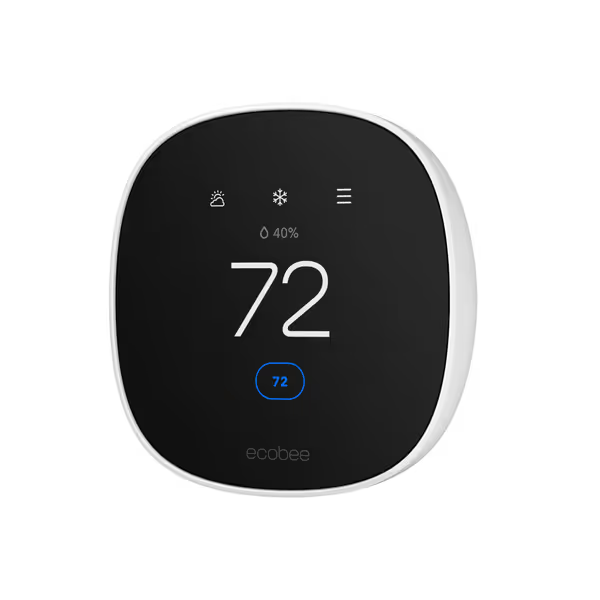
For true smart home energy optimization, pair your smart speaker with a thermostat that provides actionable feedback. The ecobee Smart Thermostat Essential becomes powerful when integrated with voice control (I'll show you how in a moment).
This is where most energy waste happens unconsciously. Simple voice routines prevent:
"Hey Siri, goodnight" (triggers: turn off lights, set thermostat to sleep mode, enable eco-mode on all speakers)
Silent fallbacks are crucial here: physical buttons or app shortcuts that achieve the same result when voice fails. My partner approved our current setup only after I added a bedside button that triggers the same "goodnight" routine without voice.
Not all smart speakers deliver equally on smart speaker energy management. Here's how the major platforms stack up for households serious about reducing consumption: For deep compatibility trade-offs beyond energy features, see our smart home ecosystem comparison.
Strengths:
Best for: Renters and homeowners using multiple smart device brands, thanks to built-in Zigbee hub in standard Echo models (not Dots)
Energy-saving command example: "Alexa, set thermostat to eco mode and turn off all non-essential devices"
Strengths:
Best for: Homeowners with solar panels or time-of-use electricity plans
Energy-saving command example: "Hey Google, optimize for lowest energy cost today"
Strengths:
Best for: Privacy-focused households already in the Apple ecosystem
Energy-saving command example: "Hey Siri, activate energy saving mode"
Your voice-controlled thermostat is the linchpin of effective smart speaker energy management. But not all thermostats speak the same voice language:
This thermostat shines because it speaks the language of energy savings. When paired with any major smart speaker platform:
Most importantly, it provides actionable feedback: "Your energy use is 20% higher than yesterday. Would you like recommendations?" This transforms abstract energy data into concrete actions anyone in your household can understand and act upon.
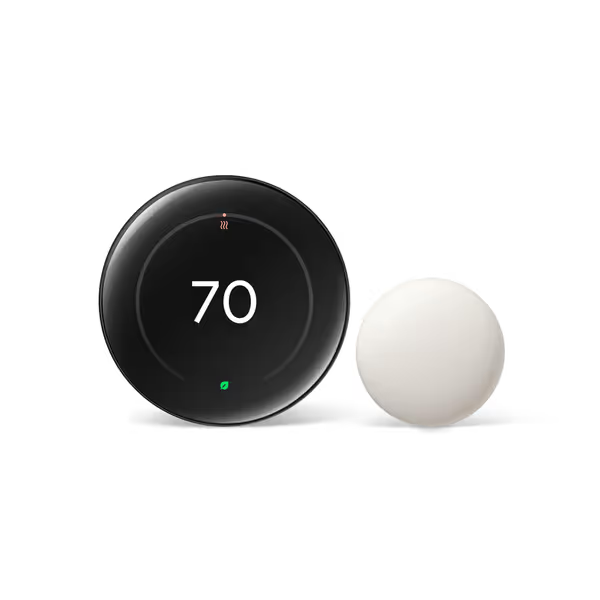
Nest's strength is its learning capability (it doesn't just respond to voice commands but anticipates energy-saving opportunities):
The key differentiator is how it communicates savings in human terms: "You've saved 120 kWh this month (that's enough to power your refrigerator for 4 days)."
Don't overhaul everything at once. Start with these steps that deliver immediate results without complexity:
Day 1: Room by Room Assessment
Day 2: Implement One Voice Routine
Day 3: Review and Refine
Remember: Routines first, devices second, and every room earns its keep. If a voice command doesn't work reliably after 72 hours, simplify it or remove the device. No feature is worth the friction of constant corrections.
True smart speaker energy savings happens when you stop thinking about it. When the system works so seamlessly that even guests can say "turn off lights" without explanation, and your thermostats adjust automatically based on actual occupancy patterns, you've achieved the holy grail: technology that fades into the background while quietly reducing your bills.
Your next step? Pick one room where energy waste annoys you most, and implement a single voice routine following the 72-hour plan above. Don't worry about optimizing your entire home today, just make one space work flawlessly. When that room consistently saves you energy without fuss, you'll have the confidence to expand. After all, the most sustainable smart home isn't the one with the most features, but the one that actually gets used consistently by everyone in your household.