Best Smart Home Speaker Systems: Voice-Controlled Surround Sound
7th Feb•7 min read
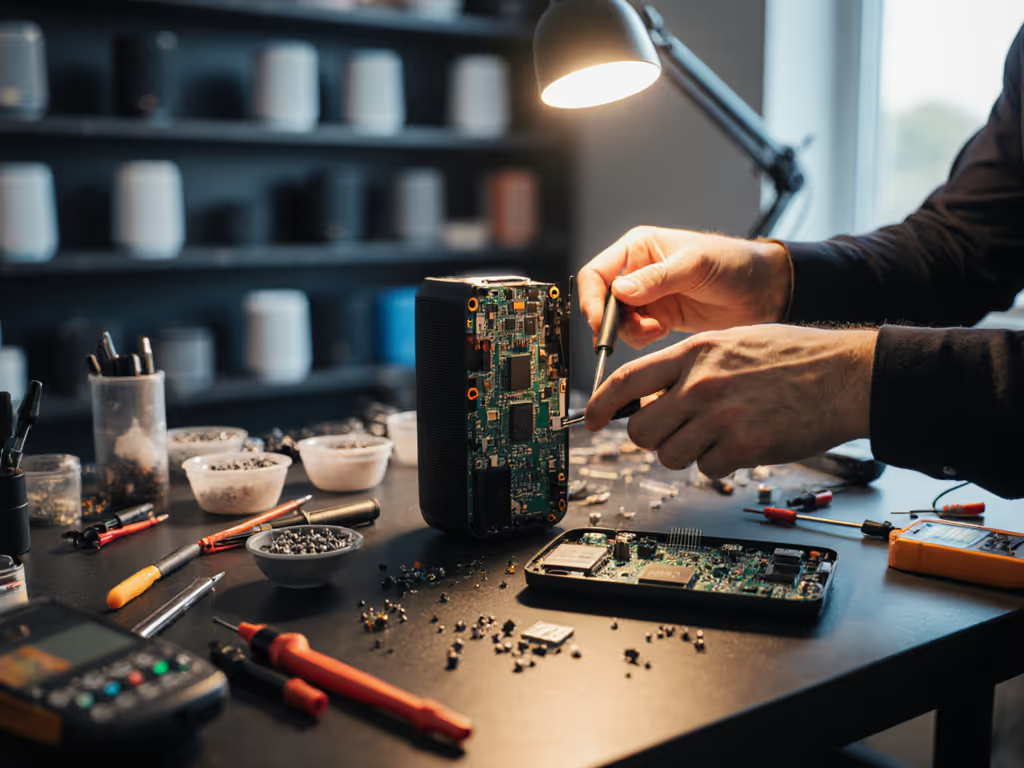
Let's face it, when that morning alarm sounds at 6am because your smart speaker misinterpreted "set a timer for 10 minutes" while you were half-asleep, you're not thinking about repairability. You're thinking about silencing the device forever. But what if that same speaker could be easily fixed rather than replaced? Today's smart speaker repairability landscape is shifting as the right-to-repair voice assistants movement gains momentum. What was once disposable tech now has real repair potential: saving you money, reducing e-waste, and preserving those carefully built household routines that keep your home running smoothly. After all, routines first, devices second, and every room earns its keep.
That morning alarm incident I mentioned? It led to a complete voice assistant ban in our nursery until I demonstrated how to create reliable fallback paths. The same principle applies to hardware: if you can't maintain your speaker when it falters, it shouldn't earn space in your home ecosystem. Modern smart speakers aren't just audio devices: they're the invisible conductors of your household symphony. When they fail, routines break down, friction increases, and trust erodes. Repairability isn't just about sustainability; it's about preserving the "set it and forget it" experience that makes smart homes actually smart.
<b>Make it obvious at 6am</b>, when the house is quiet and routines are most vulnerable, your tech should work without intervention.
With e-waste growing at alarming rates and speaker lifecycles often cut short by minor failures, choosing repairable devices aligns perfectly with your desire for predictable, long-term home systems. If sustainability guides your choices, see our eco-friendly smart speakers guide. The good news? 2026 brings significant improvements in repair documentation and parts availability across major brands.
Before you even consider cracking open a device, research what documentation the manufacturer provides. This is your single most important indicator of repair-friendliness. In 2026, I've found these clear tiers of documentation quality:
Always check iFixit's repairability score first, they've partnered with major manufacturers to standardize these evaluations in 2026.
Your next critical check is whether you can actually obtain replacement parts. Here's my simple scoring system:
| Brand | Speaker Model | Repair Parts Score (1-5) | Notes |
|---|---|---|---|
| Sonos | Move 2 | 5 | Official store sells drivers, batteries, mesh covers |
| Bose | Portable Smart Speaker | 4 | Battery available; drivers require authorized repair |
| JBL | Authentics 500 | 3 | Third-party parts only; no official schematics |
| Amazon | Echo Studio | 2 | "Non-repairable" design; requires whole-unit replacement |
| Apple | HomePod | 1 | No authorized parts; voids "Hey Siri" functionality if opened |
This repair documentation comparison reveals why Sonos leads in repairability, which is critical for households where speakers take daily abuse from curious kids or accidental spills. When your kitchen speaker gets splashed during cooking, you need confidence that a $15 mesh cover replacement can save the $300 investment.
Be realistic about your skills. Most speaker issues fall into three categories:
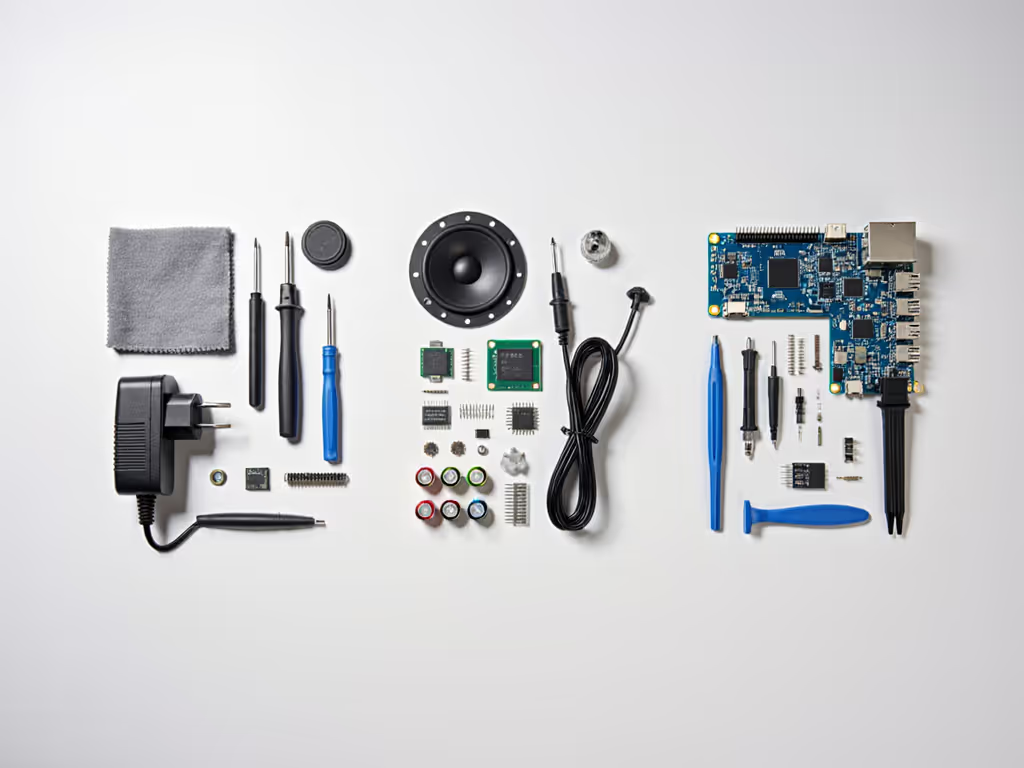
I recommend starting with intermediate repairs only if you have previous electronics experience. Nothing undermines household trust in voice tech faster than a "fixed" speaker that now announces weather updates at random intervals. When in doubt, create a physical fallback (like keeping a traditional alarm clock in the nursery after my partner's 6am alarm protest!).
2026 brought a major shift: the EU now requires all electronics sold in member states to have minimum 2-year repair warranties with parts availability. In the US, the situation remains patchy, but some manufacturers have adopted global standards:
Remember: repairing your own device doesn't necessarily void your warranty unless you cause additional damage. The Magnuson-Moss Warranty Act protects your right to self-repair in the US. Document your process with photos, which helped me maintain warranty coverage after fixing my own kitchen speaker's water-damaged microphone array last year.
Just as you wouldn't use the same security protocol for your front door and bathroom, repair approaches should match room-specific needs. This is where smart speaker parts availability becomes critical to your household workflow.
These moisture-prone areas demand speakers with easily replaceable outer components. Look for:
Keep a $10 replacement mesh kit in your kitchen junk drawer, when my partner spilled coffee on our kitchen speaker, we had it cleaned and reassembled before breakfast finished. This is sustainable tech repair that actually fits into busy household routines.
When speakers control alarms or white noise in sleeping areas, reliability is non-negotiable. Your repair strategy here should include:
After my nursery alarm incident, I added a physical mute switch wired to the speaker's power line (no app needed, just a flip of the switch). For privacy controls tailored to bedrooms and nurseries, compare smart speaker privacy settings. Make it obvious at 6am when sleep-deprived parents are least likely to navigate complex menus.
These spaces tolerate more complexity but demand quality sound. For whole-home audio planning, explore our smart speaker bundle recommendations. Repair considerations:
When repairing living room speakers, document your room calibration settings beforehand. Sonos's Trueplay requires iOS for full functionality but has basic Android support, which I discovered after accidentally resetting my living room setup during a driver replacement!
Likely cause: Blocked speaker mesh or damaged driver
Repair path:
This DIY speaker repair guide step prevents unnecessary replacement of perfectly good hardware. When my kitchen speaker developed muffled sound after pancake morning, a $20 driver replacement saved the $299 investment and preserved our recipe-reading routine.
Likely cause: Microphone array failure
Repair path:
This is where repairability directly impacts your voice UX design. If replacing a $5 microphone requires discarding a $150 device, you're building fragile routines that won't survive household reality. I've found Sonos offers the best smart speaker parts availability for critical microphone components.
Likely cause: Degraded lithium-ion battery
Repair path:
Portable speakers like the Bose Portable Smart Speaker and Sonos Move 2 now offer manufacturer-replaceable batteries, a huge win for sustainability. When mine started dying mid-day, I swapped the battery during lunch break rather than shopping for a replacement. That's sustainable tech repair that actually fits into your life.
The most repairable speaker is worthless if your entire voice ecosystem collapses when one device fails. Here's how to build resilience: For cross-platform reliability, learn how Matter 2.0 and Thread improve interoperability.
When my living room speaker needed repair, our "good morning" routine seamlessly shifted to the bedroom speaker because I'd documented room-specific triggers. No frantic app adjustments at 6am, just calm, predictable transitions.
Ready to transform your voice ecosystem from disposable to durable? Take these concrete steps today:
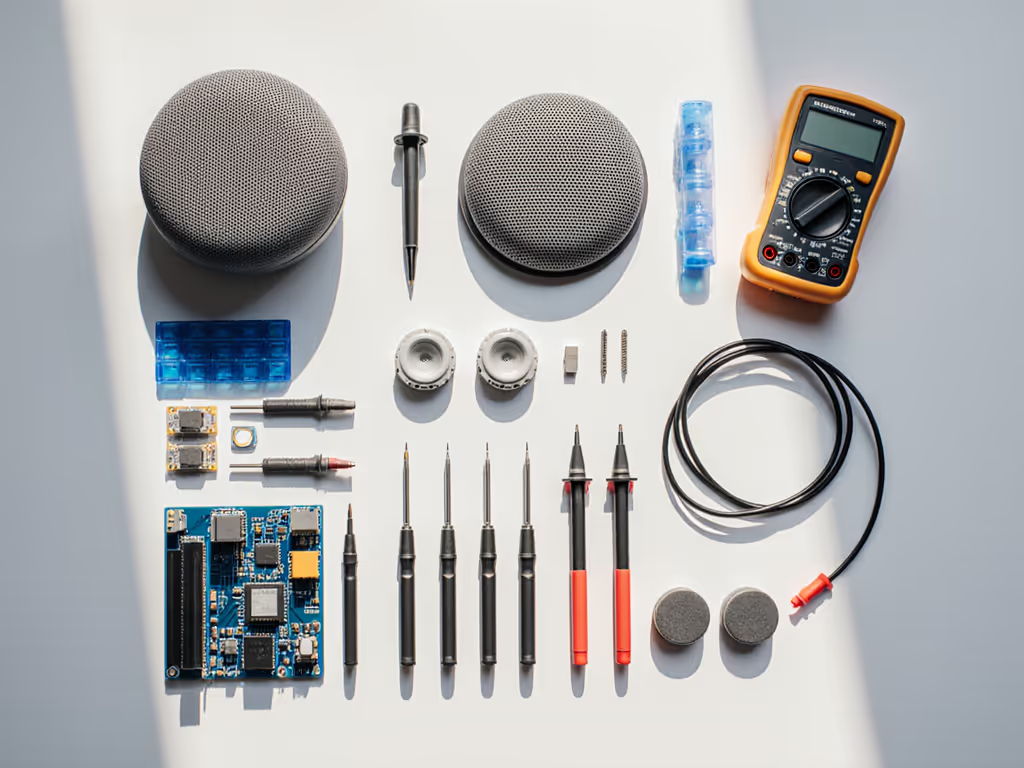
Remember that core belief I mentioned earlier: Smart speakers should fade into the background and lower household friction. True reliability isn't about never failing, it is about recovering seamlessly when failures happen. When you design your voice ecosystem with repairability in mind, you're not just fixing speakers; you're building routines that endure.
Nobody notices when voice tech works perfectly, it just disappears into daily life. That's the ultimate success metric.
The next time you're shopping for a smart speaker, don't just ask "Does it work with my ecosystem?" Ask "Will it work with my repair toolkit?" Make it obvious at 6am, prepare for the unexpected, and let your voice assistants earn their place in your home, one reliable routine at a time.